Pet & Dog Eras Poster
Celebrate every era of your furry best friend—from sleepy puppy days to chaotic zoomies—in 3 easy steps.
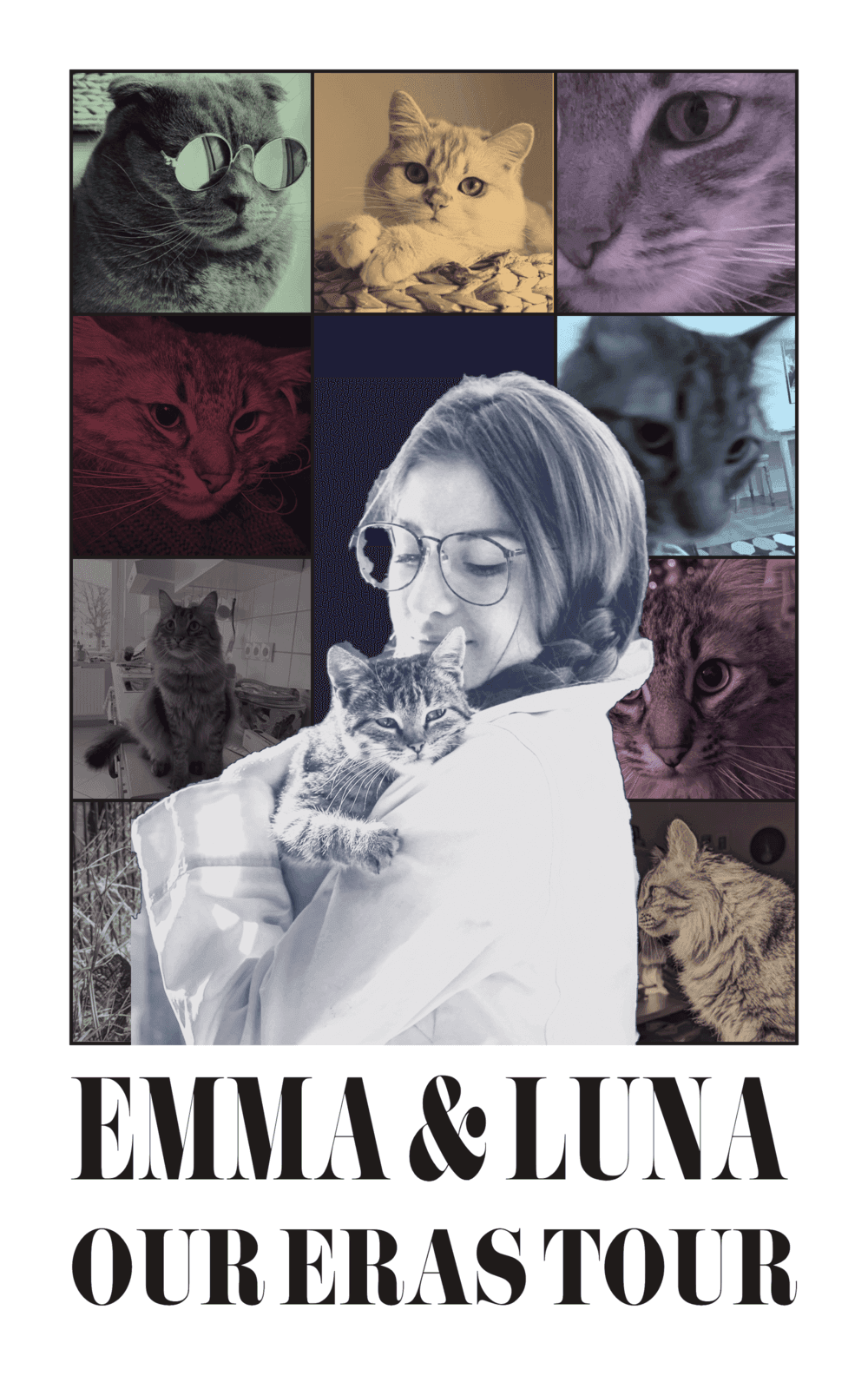
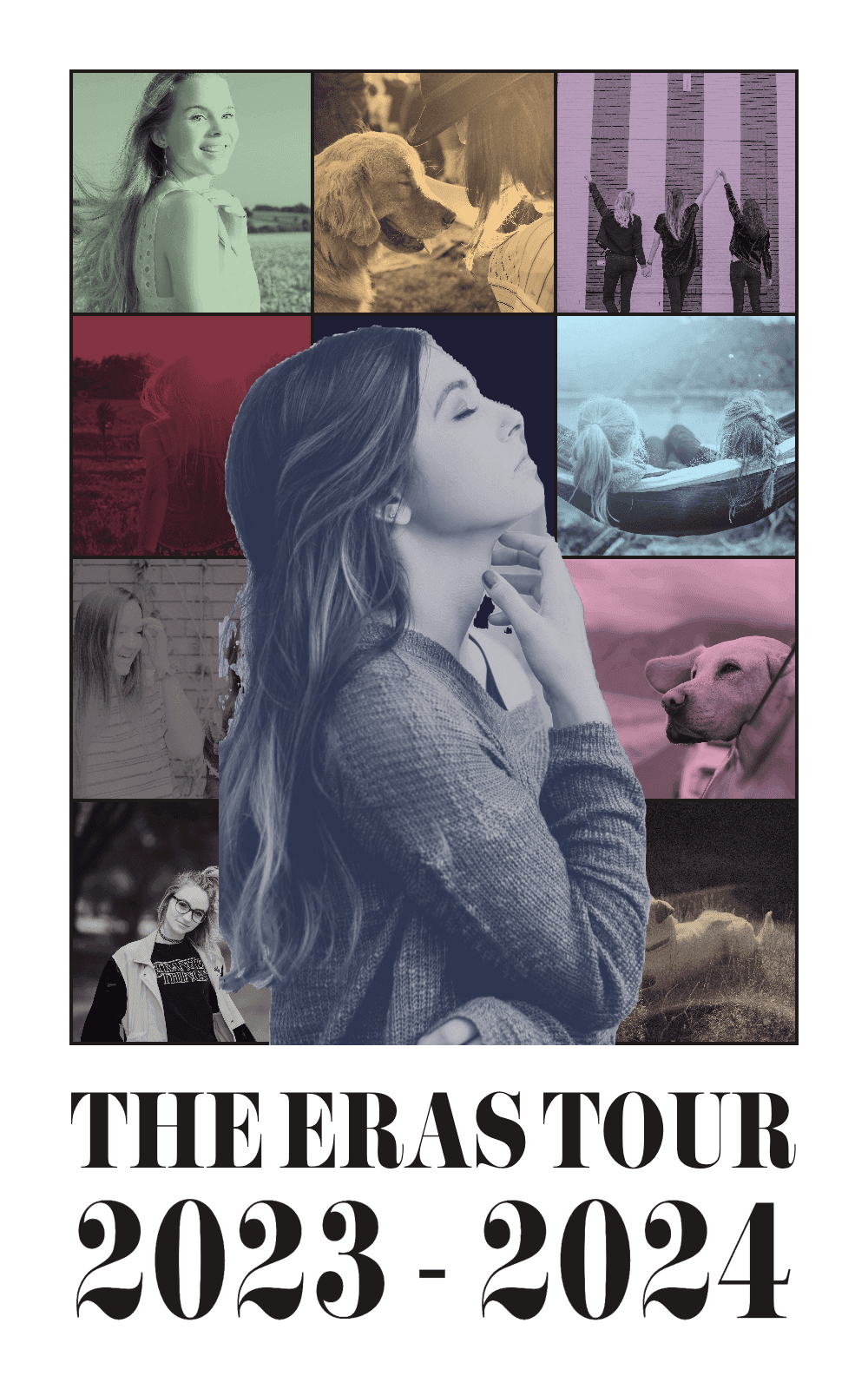
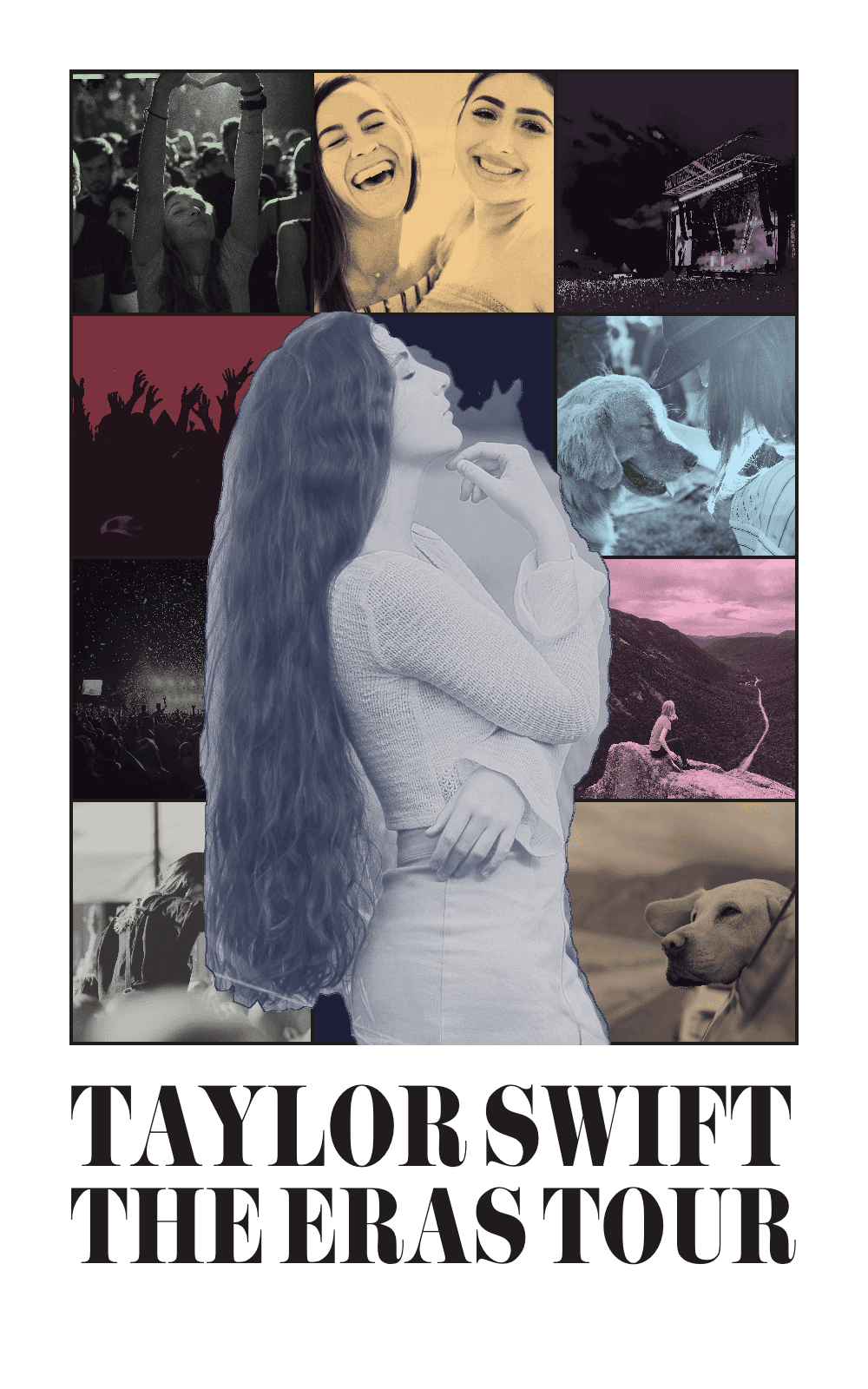
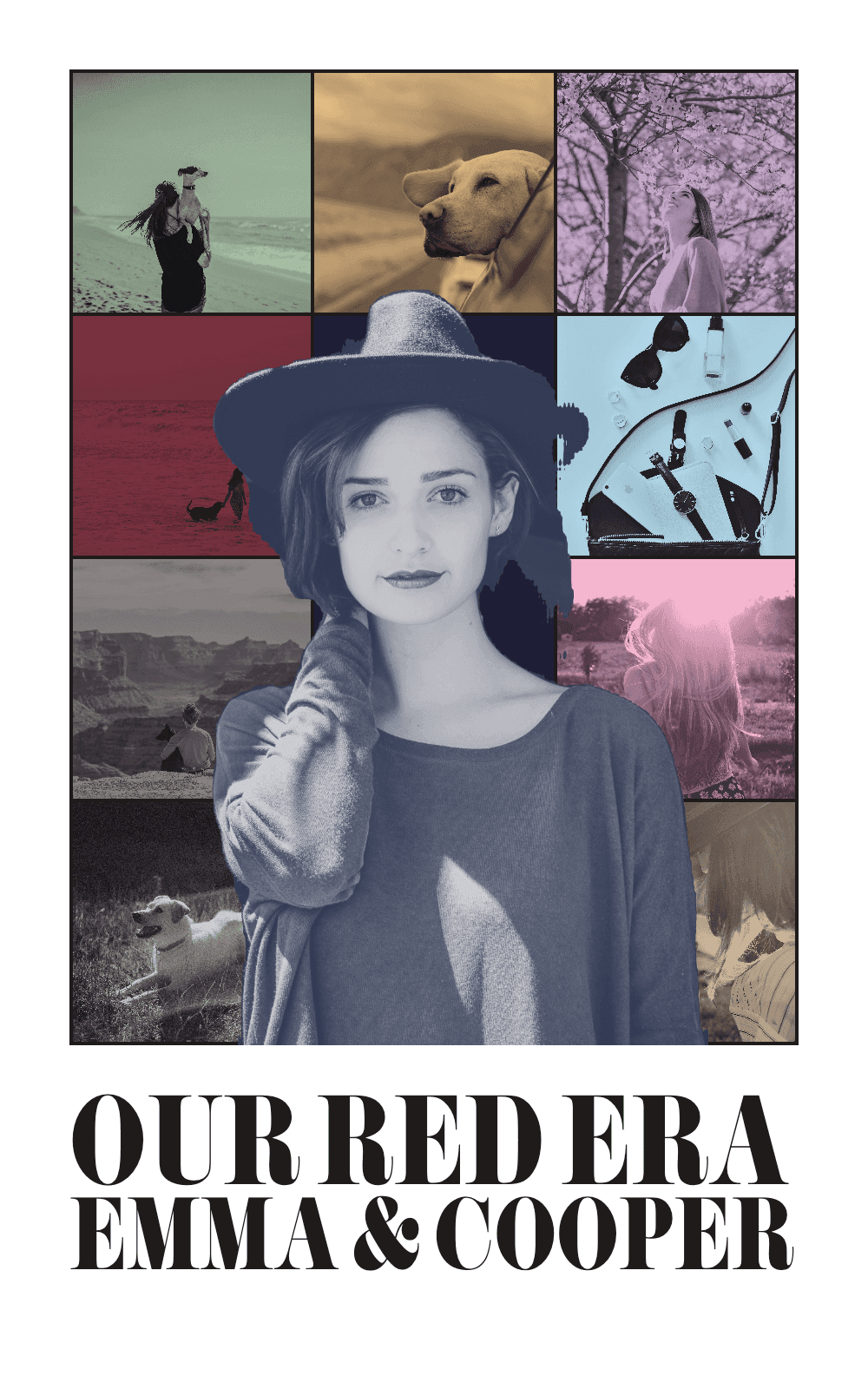
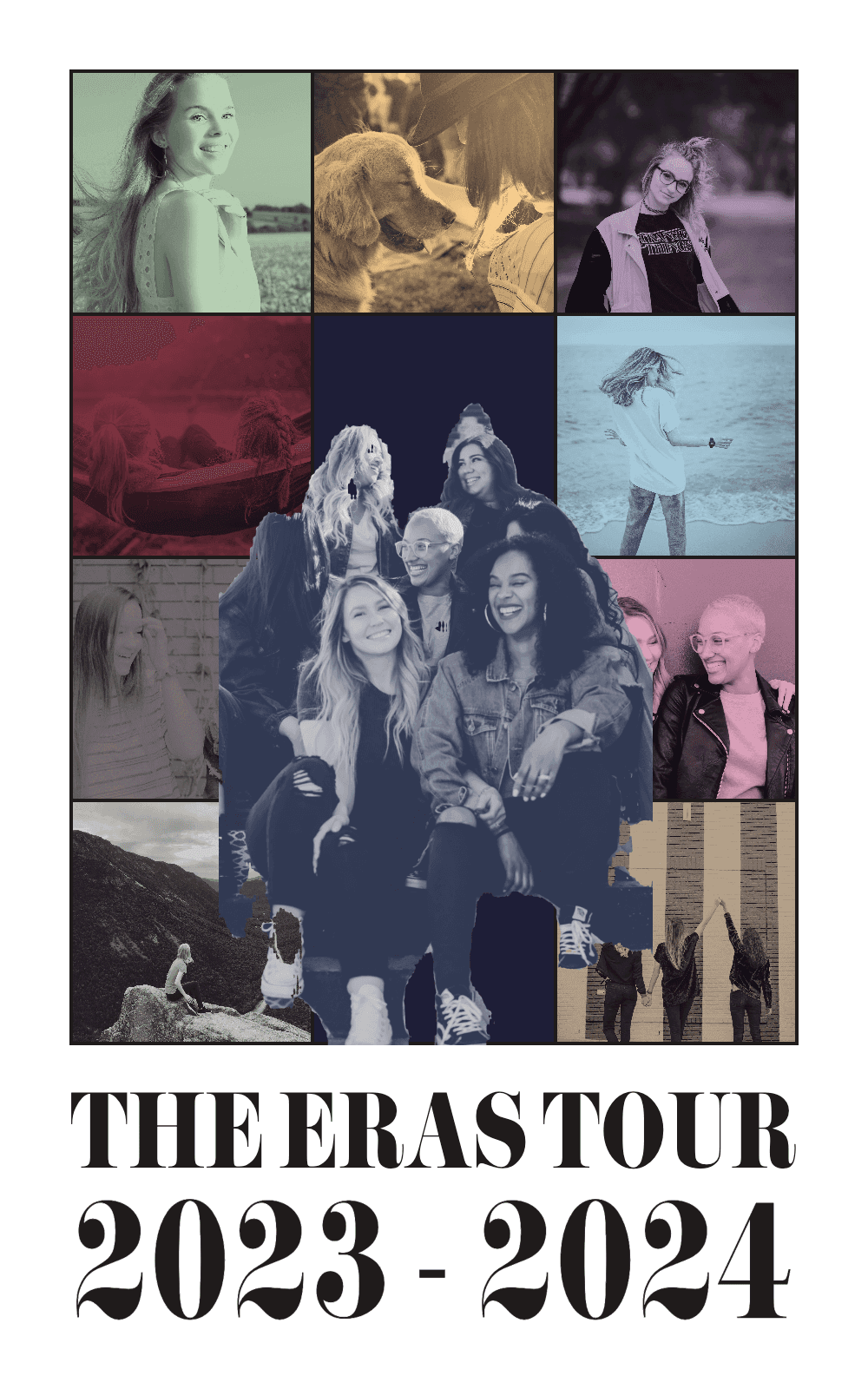
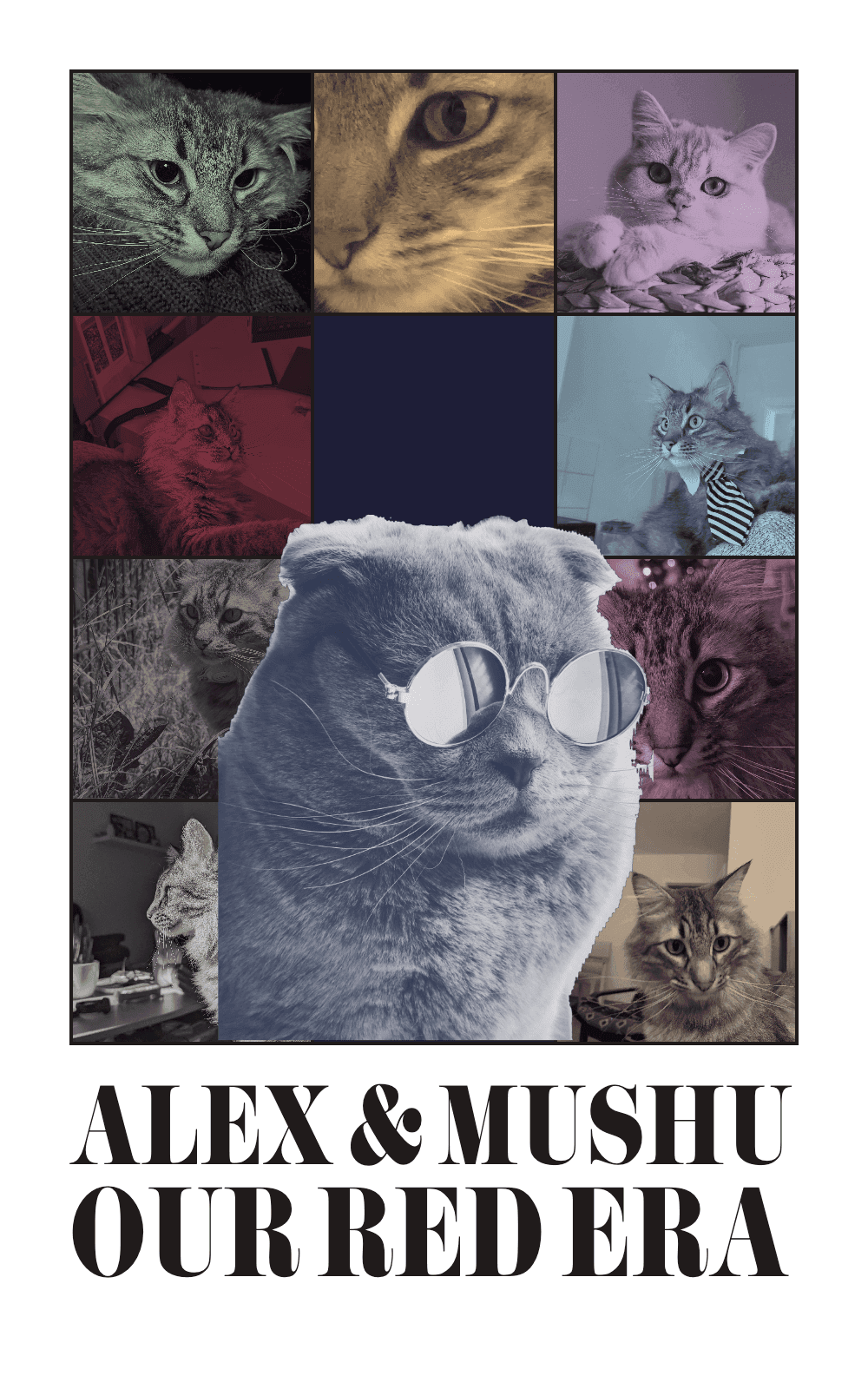
Updated TTPD template!
Turn any 10 camera roll photos into a custom Taylor Swift Eras Tour or TTPD poster in under 3 minutes. Skip complicated Canva Pro and Photoshop templates with free automatic AI background removal, authentic Pistilli Roman typography, 10 Era color filters, and 100% local browser privacy.
Transform your favorite photos into the iconic poster. Just fill out the interactive template. No design skills needed!
Unleash your creative side Use your poster as a wallpaper, print it on a T-shirt, mug, or bachelorette sign, or share it with friends.
100% photo privacy. Your browser creates the poster via HTML5 Canvas and nothing is ever uploaded to external servers.
Text size is automatically adjusted to fit the poster in Pistilli Roman
Upload your 9 Era images, color filters are automatically applied
Main photo background is automatically removed for free!
MyErasTourPoster (www.myerastourposter.com) is a free online Eras Tour poster generator that turns your favorite photos into the iconic 10-Era concert poster in under 3 minutes. Unlike manual Canva or Photoshop templates, it includes automatic AI background removal, instant 10-Era color grading, and automatic text sizing in the authentic Pistilli Roman font—all processed 100% privately inside your browser.
Step 1
Drag and drop saved camera roll photos (JPG, PNG, WebP, or iPhone HEIC). Each panel gets its authentic Era color filter and built-in crop tool.
Step 2
Add your centerpiece subject (people, couples, dogs, or cats). Client-side AI segmentation removes the background automatically for free.
Step 3
Type any custom title in the authentic Pistilli Roman font with automatic sizing. Export standard posters or 9:16 Stories immediately.
| Feature | MyErasTourPoster.com | Canva Templates | Adobe Photoshop | TikTok Filter |
|---|---|---|---|---|
| Time to Create | Under 3 minutes | 30–60 minutes | 1–2 hours | 1 minute |
| Center Image Background Removal | Automatic & Free | Requires Canva Pro ($15/mo) | Manual masking required | Not supported |
| 10 Era Color Filters | Applied automatically | Manual duotone tuning | Manual gradient maps | Applied live |
| Authentic Font (Pistilli Roman) | Built-in & auto-sized | Missing from free library | Must download & install | Cannot edit text |
| Use Saved Camera Roll Photos | Yes (Any 10 photos) | Yes | Yes | No (Live camera only) |
| High-Res Print Export | Yes (Poster & T-Shirt ready) | Yes | Yes | No (Low-res video only) |
| Photo Privacy | 100% local in browser | Uploaded to cloud | Local | Uploaded to TikTok |
Celebrate every era of your furry best friend—from sleepy puppy days to chaotic zoomies—in 3 easy steps.
Design the ultimate Swiftie bachelorette welcome sign, tapestry, or party tee using 10 photos of the bride-to-be.
Celebrate Kindergarten through Senior Year—or four unforgettable college years—on a custom graduation party sign, banner, or gift.
Turn 10 favorite memories into a custom milestone birthday poster—perfect for 13th, 18th, 21st, or 30th birthday gifts.
Turn your baby's monthly milestones from newborn to 12 months into a keepsake 1st birthday welcome sign—processed 100% privately on your device.
Design a custom 10-Era discography, tour memory, or fandom tribute poster for your favorite singer, band, athlete, or TV show.
Browse All 9 Poster Templates & 10-Photo Guides →
Compare TikTok filters, Photoshop, and MyErasTourPoster with a step-by-step walkthrough.
Why automated Era color grading and free AI background removal beat manual Canva templates.
Discover the story behind Pistilli Roman and use it online with zero font downloads.
Canva locks background removal behind Canva Pro ($15/month), lacks the authentic Pistilli Roman font in its free tier, and requires manually coloring every Era panel. Photoshop takes 1–2 hours of manual masking and gradient maps. MyErasTourPoster automates the entire 10-Era layout, background cutout, and Pistilli Roman typography in your browser in under 3 minutes.
Your photos are 100% private and never uploaded to any external server. All cropping, color filtering, AI background segmentation, and poster exporting happen locally inside your browser using HTML5 Canvas and client-side machine learning.
Yes! You can upload saved camera roll photos (JPG, PNG, WebP, or iPhone HEIC) of people, couples, bachelorette groups, dogs, cats, or pets. For the cleanest cutout on the main center photo, choose a picture where the subject contrasts clearly with a simple background.
Yes. Free posters are great for phone wallpapers, Instagram Stories (9:16 export included), and TikTok. Upgrading to Karma's Friend Premium ($9 one-time) unlocks the highest print-ready export with zero bottom website credit line—ideal for framed wall posters, canvases, bachelorette welcome signs, T-shirts, totes, and mugs.
Want photo cropping tips and print specs? Read the full FAQ & Photo Tips.